Downloads Manager 1.0.4
- Seller MadeBy2D
- Creation date
First-class file distribution for XenForo.

-
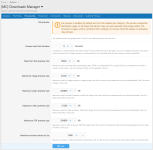 download_option_file_preview.png
 -
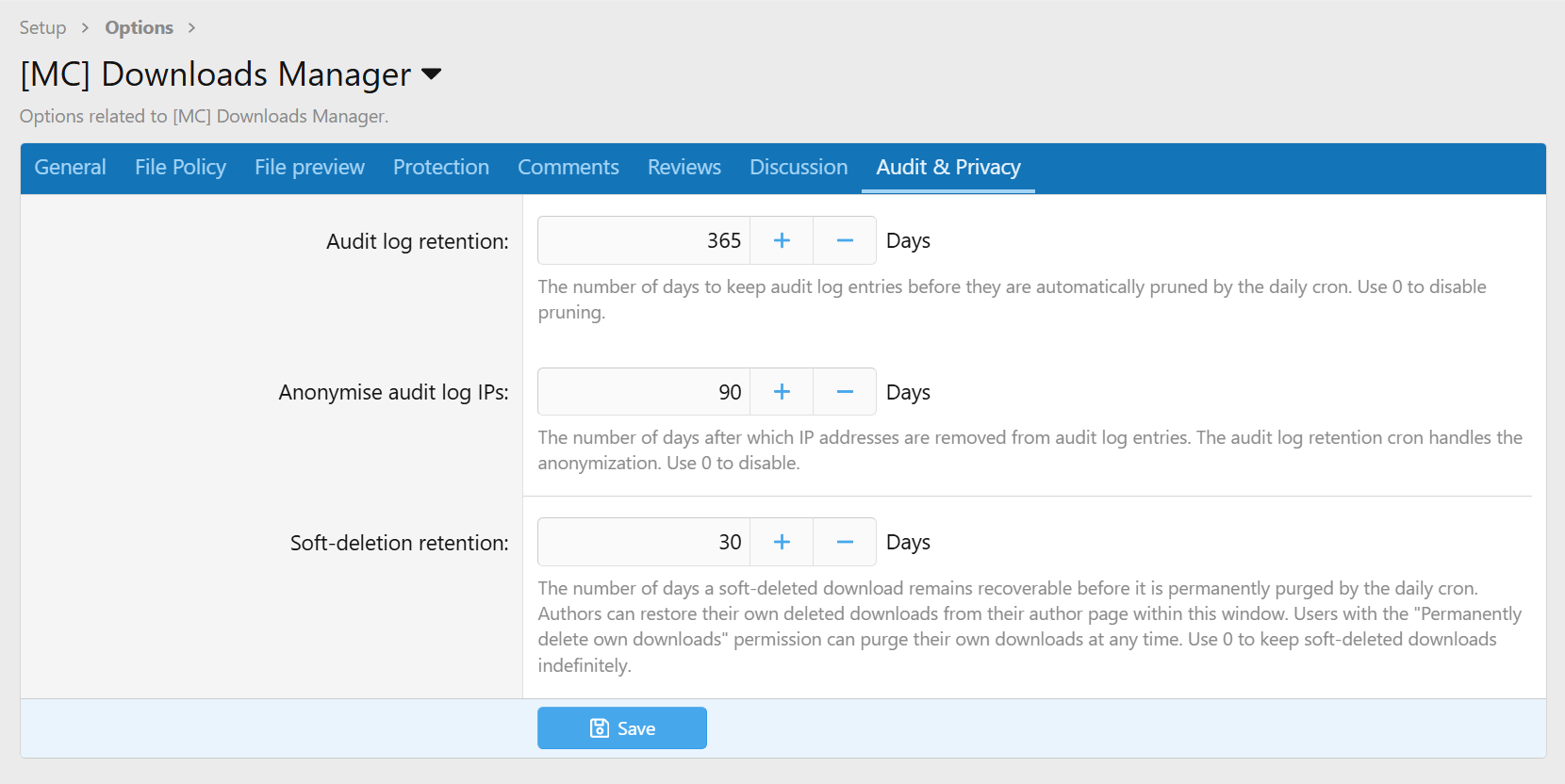
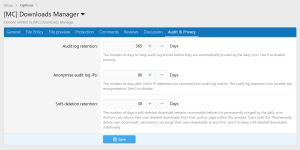 download_options_audit.png
 -
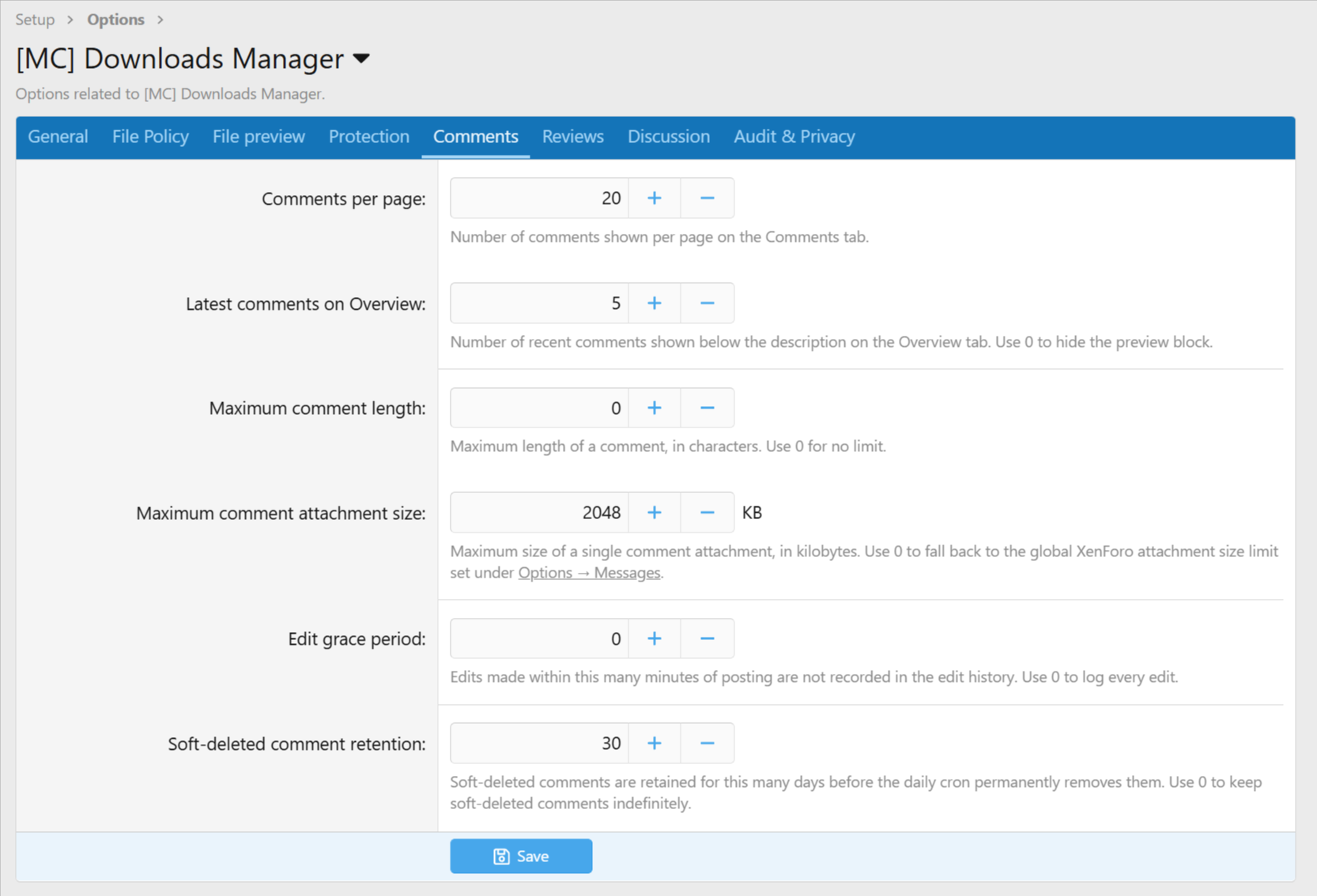
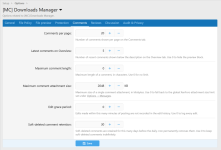 download_options_comments.png
 -
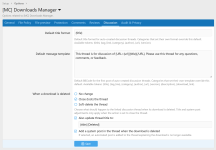 download_options_discussion.png
 -
 download_options_file_policy.png
 -
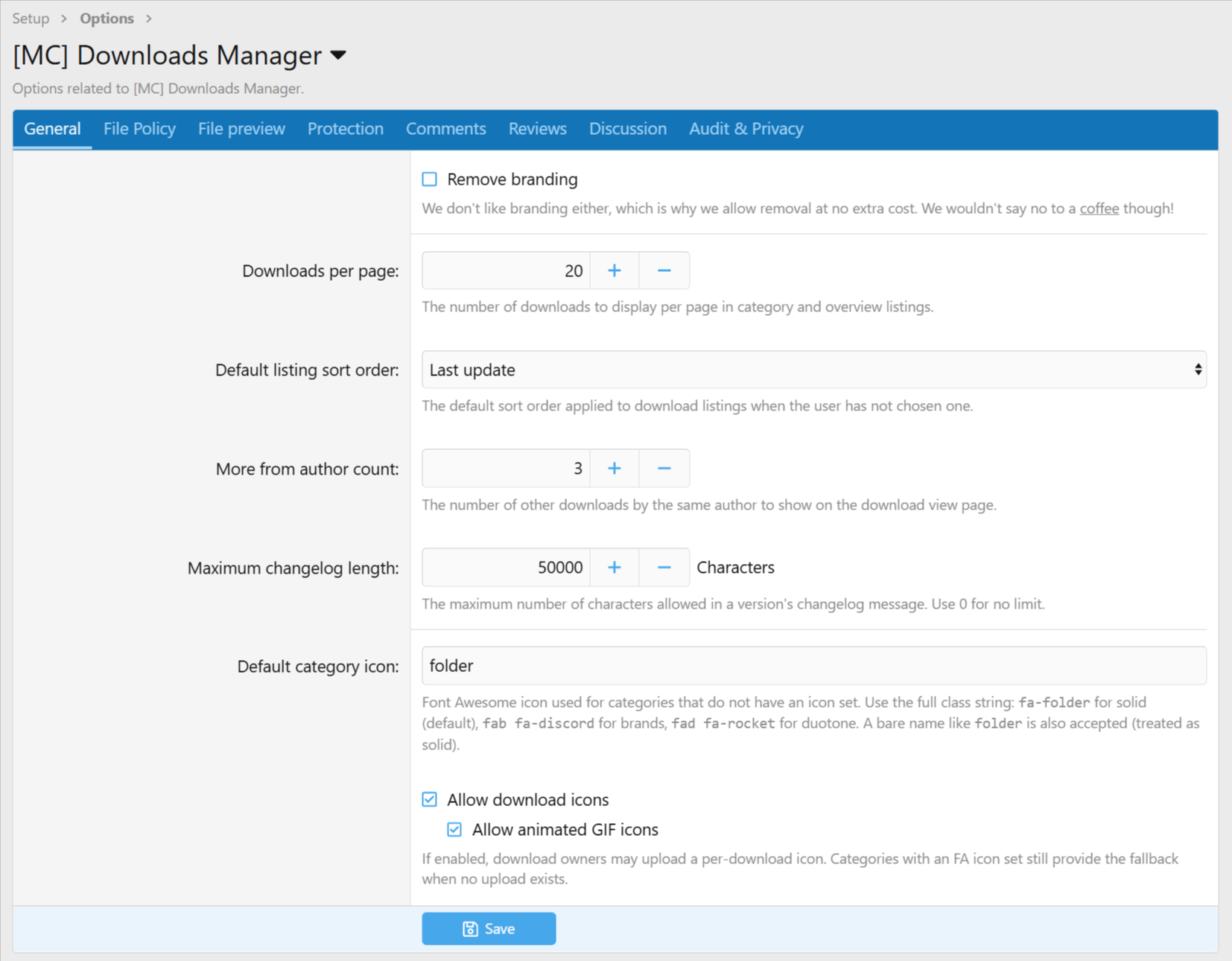
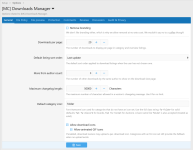 download_options_general.png
 -
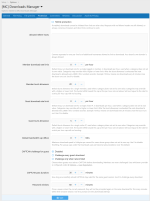 download_options_protection.png
 -
 download_options_reviews.png
 -
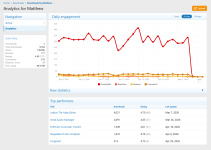 download_author_analytics.png
 -
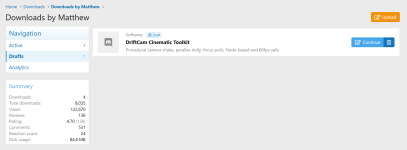 download_author_draft.png
 -
 download_author_scheduled.png
 -
 download_overview_category_grid.png
 -
 download_overview_grid.png
 -
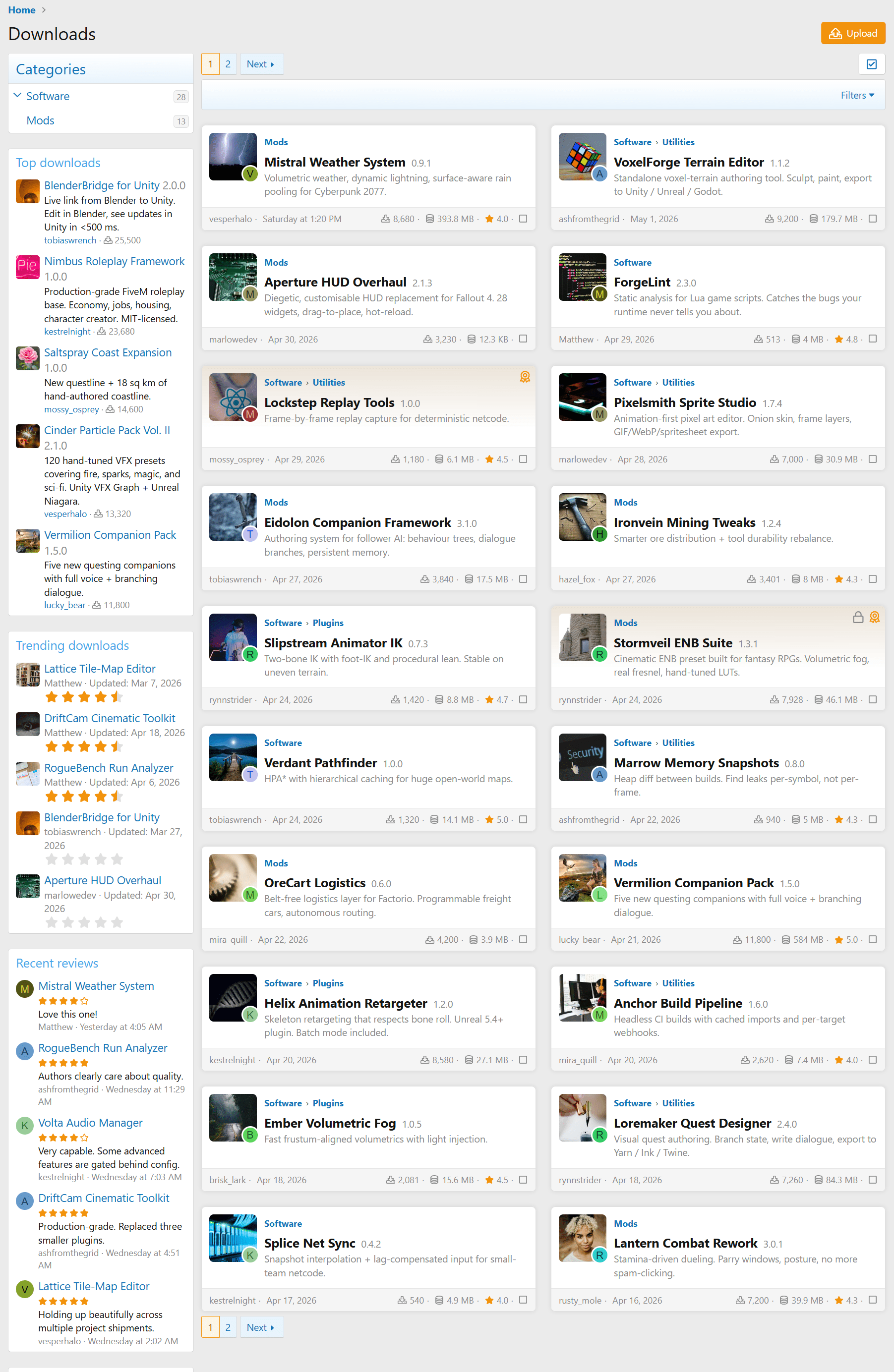
 download_overview_index.png
 -
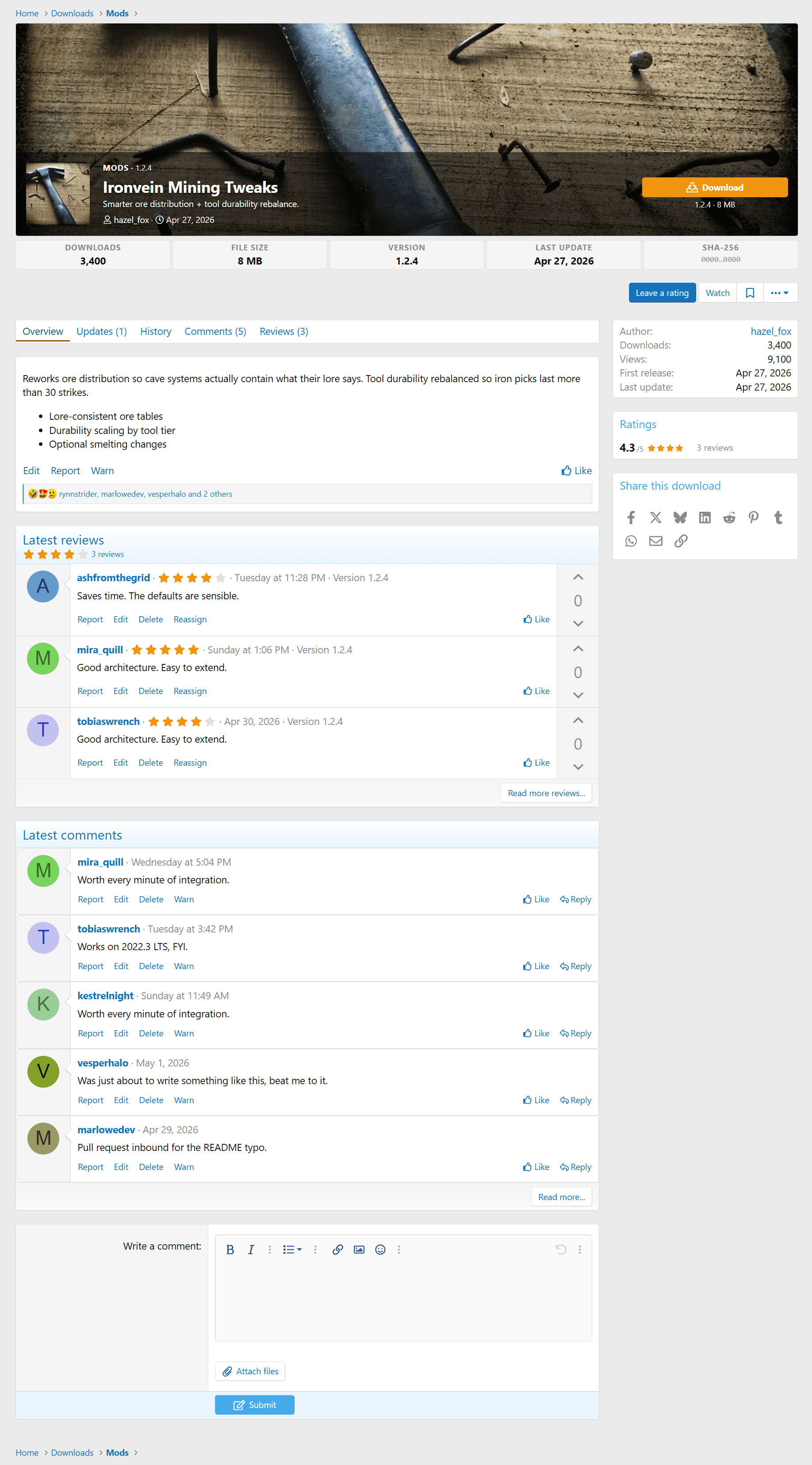
 download_view.png
 -
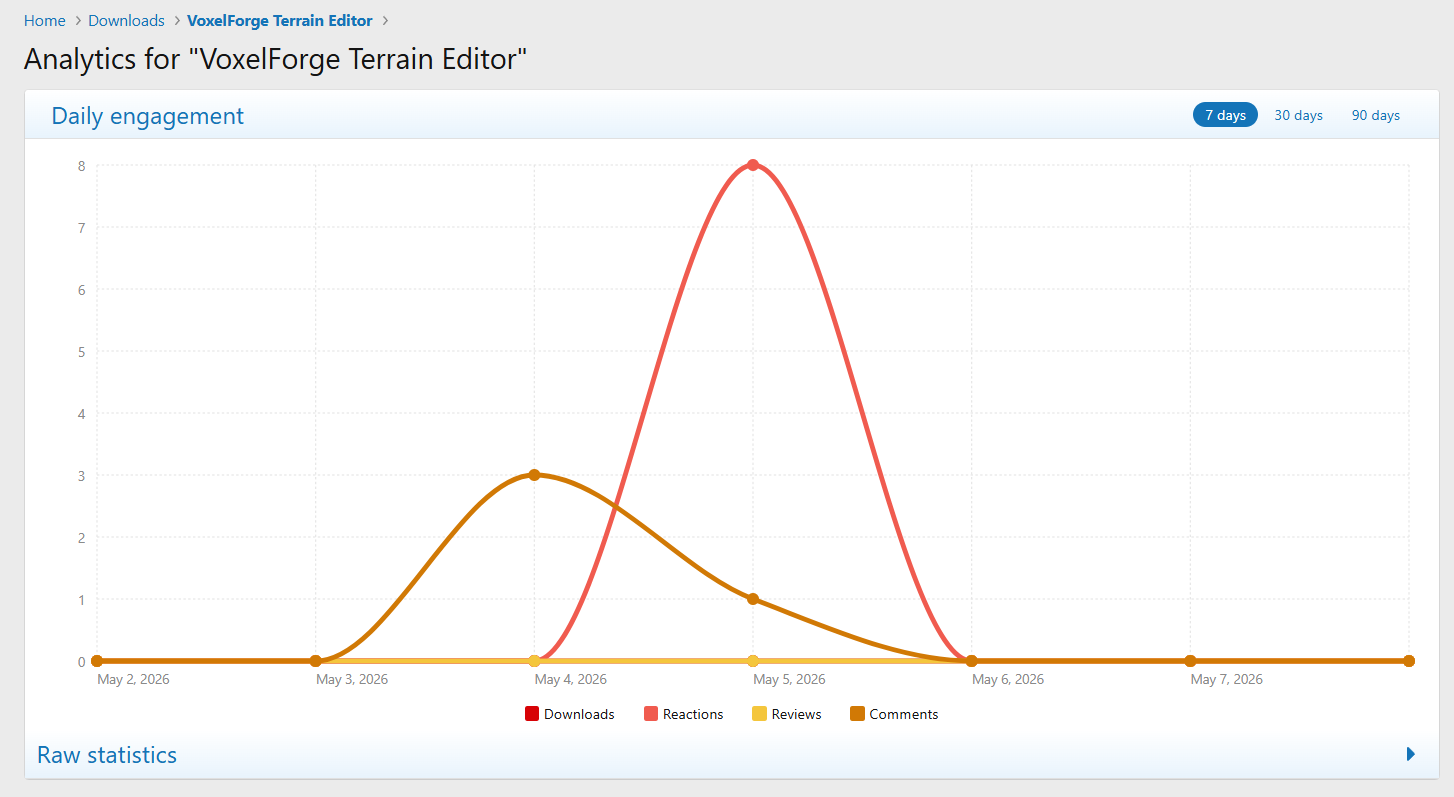
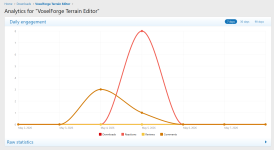 download_view_analytics.png
 -
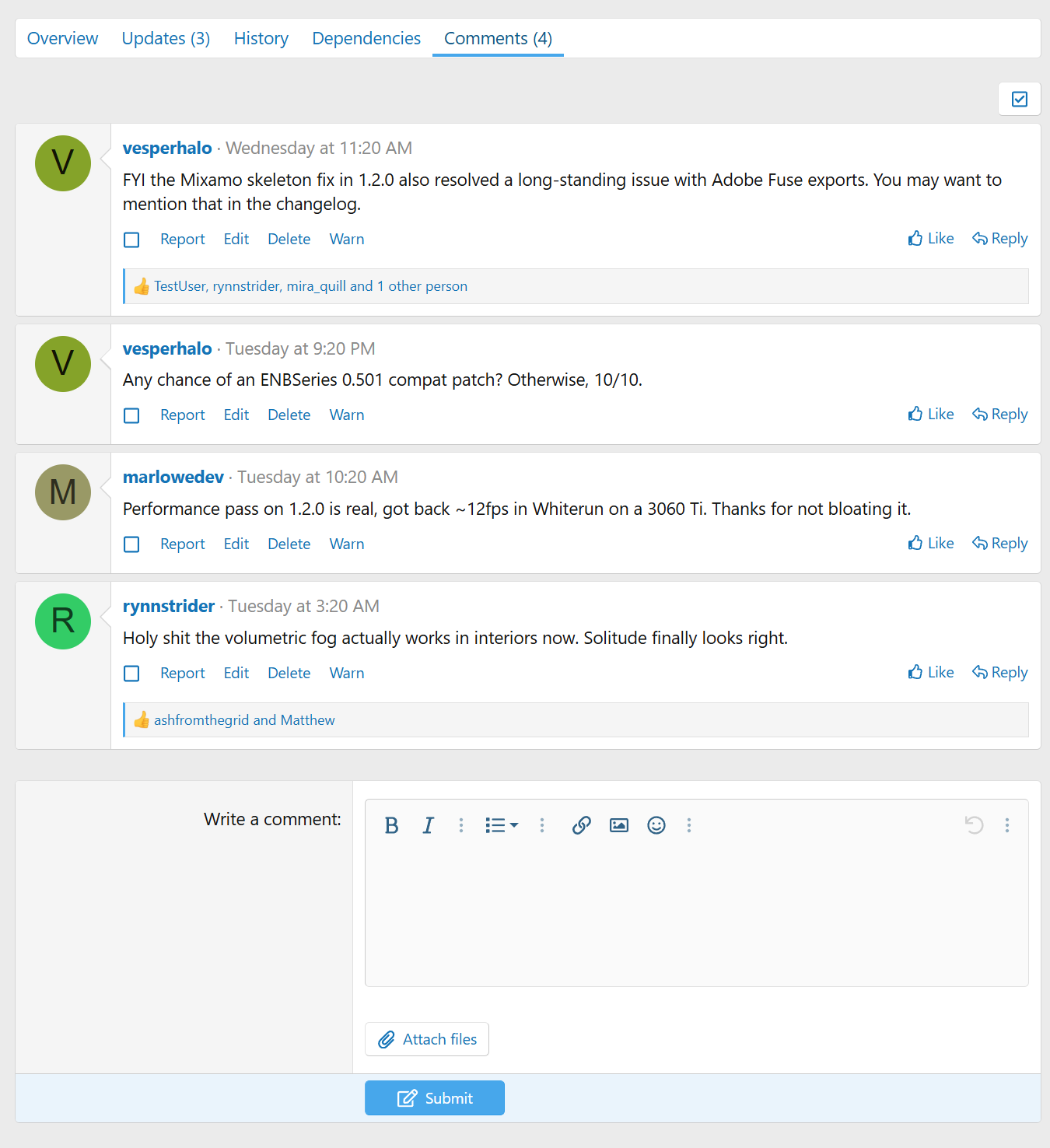
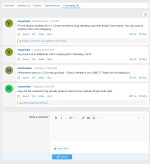 download_view_comments.png
 -
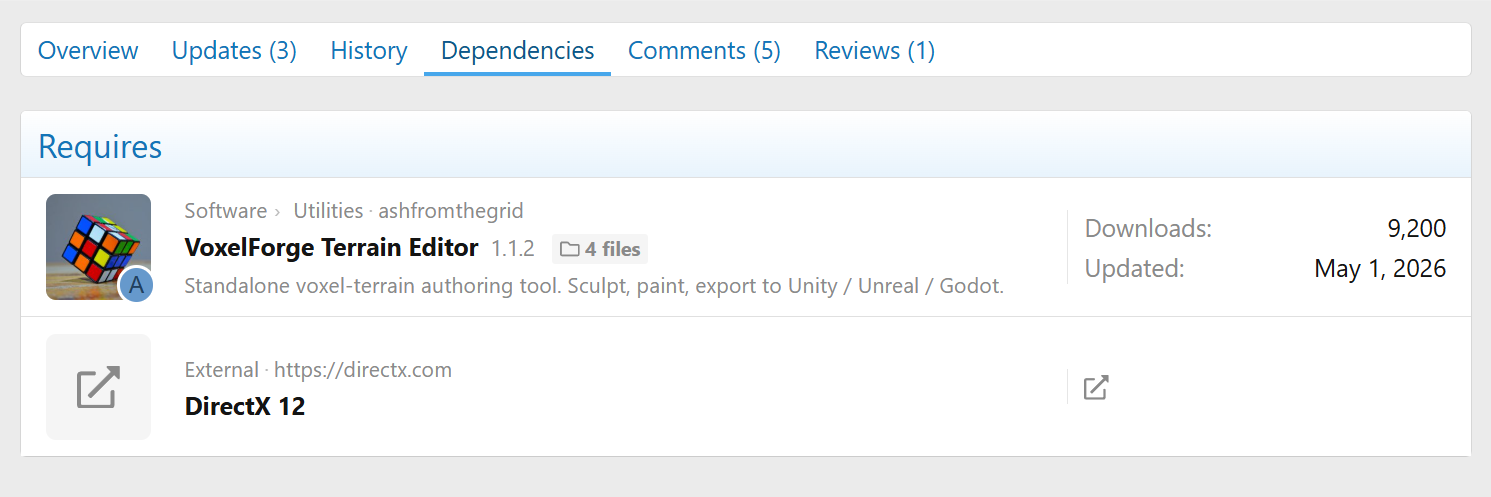
 download_view_dependencies.png
 -
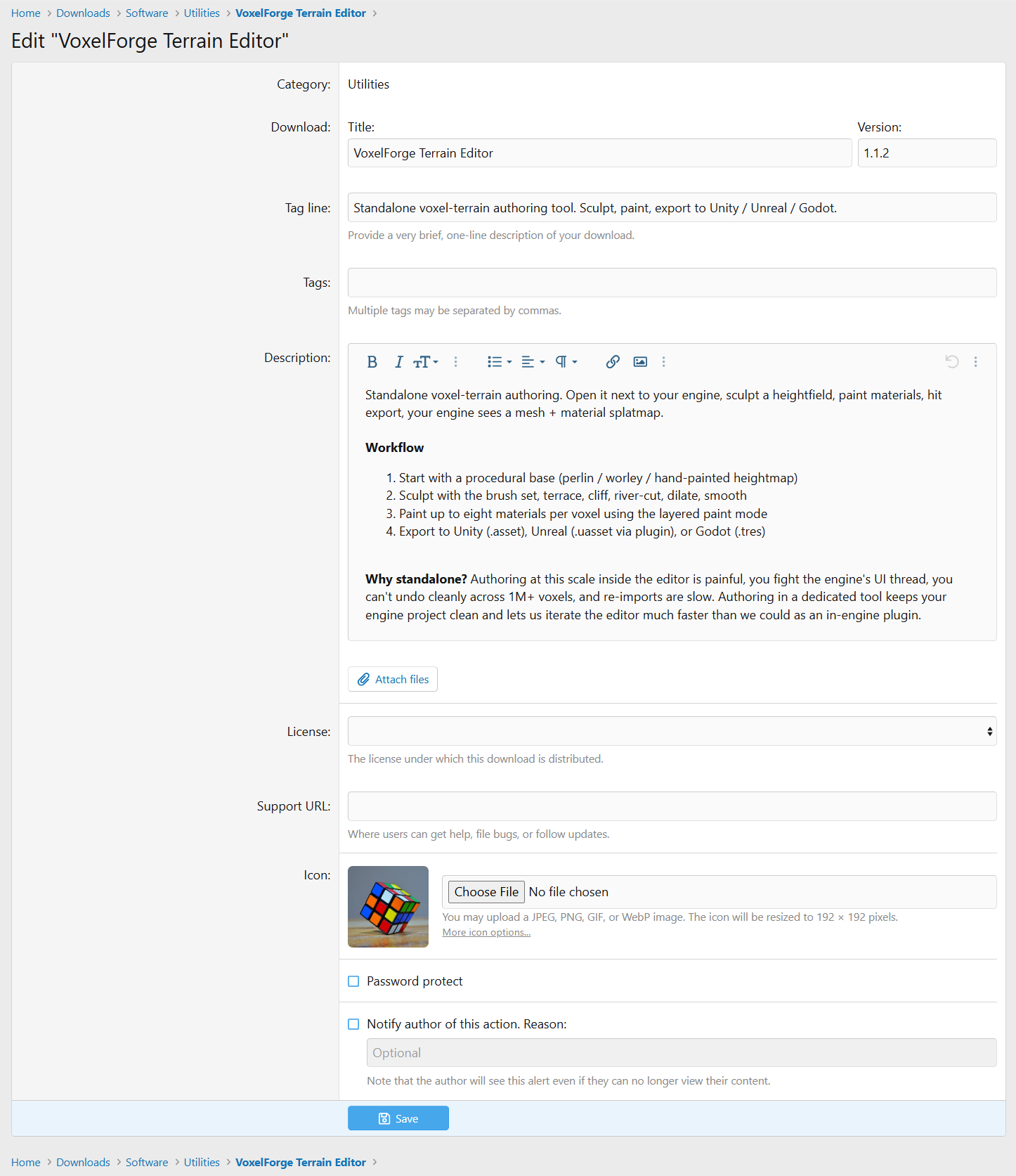
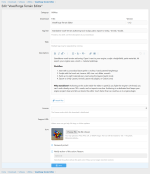 download_view_edit.png
 -
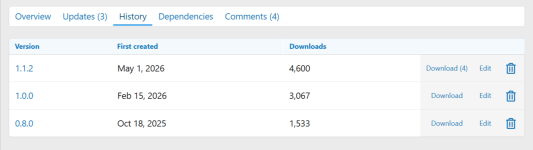 download_view_history.png
 -
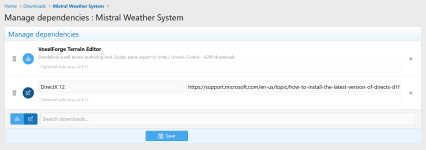 download_view_manage_dependencies.png
 -
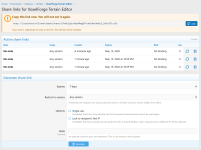 download_view_share_links.png
 -
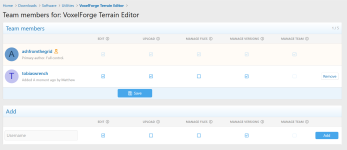 download_view_team_management.png
 -
 download_view_update_view.png
 -
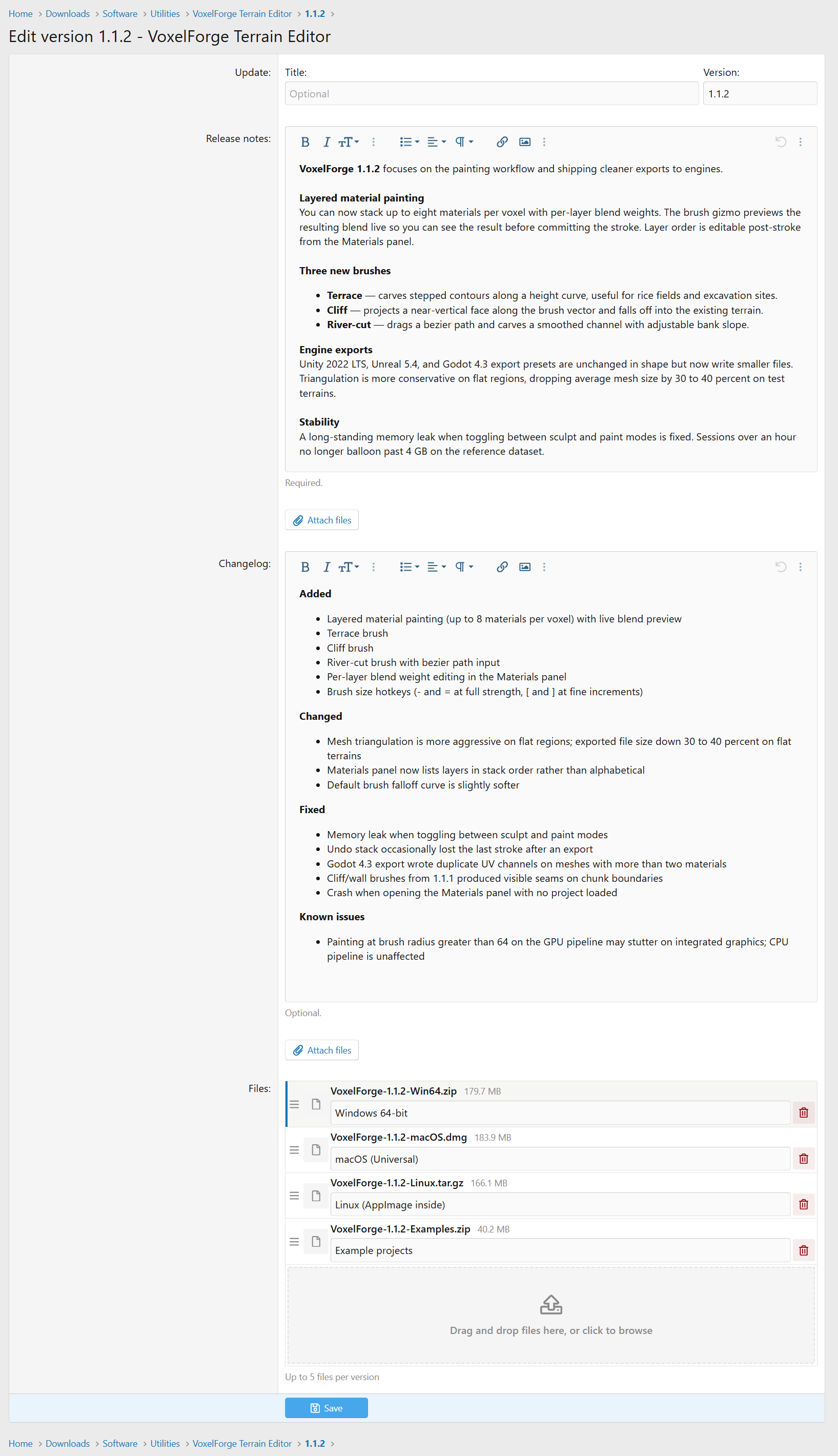
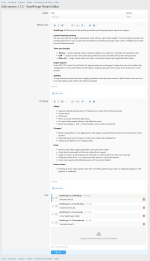 download_view_version_edit.png
 -
 downloads_author_view.png
 -
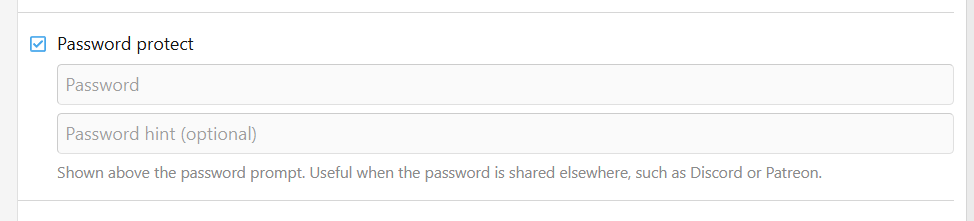
 password_protect.png
 -
 download_audit_log.png
 -
 download_audit_log_detail.png
 -
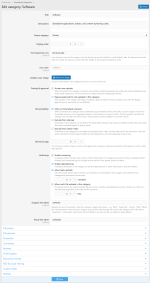 download_category_edit.png
 -
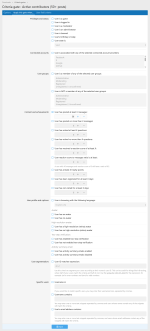 download_criteria_gate_edit.png
 -
 download_criteria_gates.png
 -
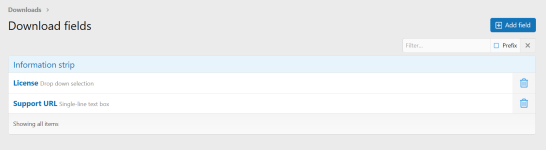 download_fields.png
 -
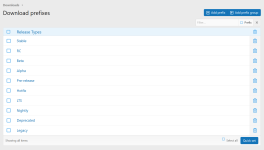 download_prefixes.png
 -
 downloads_batch_update.png
Overview Feature list Releases (2) Discussion
Downloads System
Your files can have prefixes, custom fields, categories, requirements, descriptions, and version changelogs. Custom fields let you show release-specific details (engine version, platform compatibility, asset count) instead of being stuck with the default inputs, and you can bind different fields to different categories so each submission form fits the kind of file being uploaded.
Multi-File Releases
You're not stuck with one file per release. Each version can bundle multiple files (installers, source archives, docs, asset packs) with their own labels, custom ordering, and separate download counts. The version page becomes a proper release manifest instead of a single download button.
External URL Uploads
Files don't have to live on your server. Each version can point to external URLs, which we check for size, MIME type, and reachability when you add them. Mix and match freely: host the primary installer yourself, link the Linux build to a GitHub release, and offer a torrent mirror, all on the same version.
Dependency Tracking
Releases know about each other. A download can declare that it depends on other downloads, and the version page lays out the full dependency chain so visitors see what else they'll need before clicking download. Authors get the reverse view too, so before you pull an old version you can see which downstream packages it would break.
Versioning
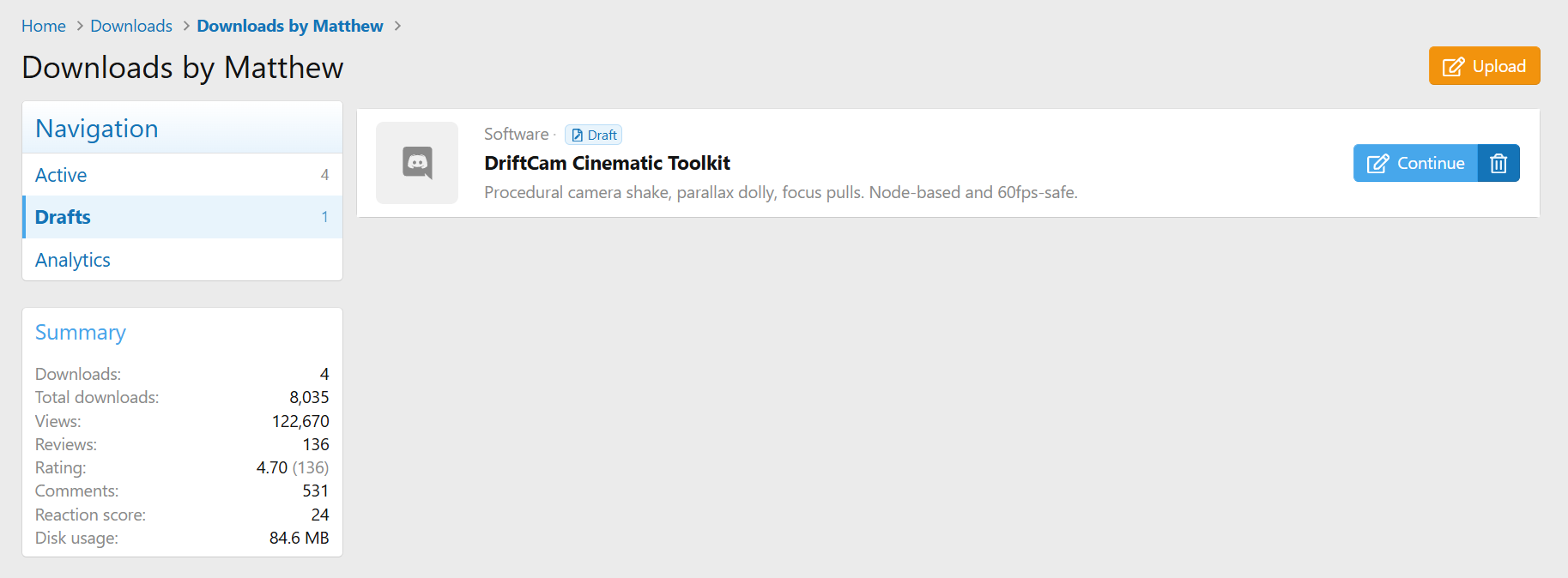
Versions are first-class objects with their own publish state, changelog, and file set. Drafts, submissions waiting on moderation, and published releases all live happily side by side on the same download. Work-in-progress versions stay out of the approval queue until you mark them ready.
Two Ways to Discuss
Every category can run inline native comments, an auto-created discussion thread, or both side by side. Turn either off later and the existing content stays intact. Threads support per-category author mode, lock-on-create, prefixes, stickies, and a configurable first-post template.
Reviews and Ratings
Members can leave star ratings and written reviews, with Recent Reviews and Top Rated widgets ready to drop on any page.
Granular Permissions
Categories, downloads, and comments all run on XenForo 2's permission system, so access control is as fine-grained as you need. Category permissions inherit down the tree, which means private categories can be locked to specific user groups while public ones stay wide open. User permissions and moderator permissions are split into separate groups, so you can hand out precise capabilities without giving anyone the keys to the whole site.
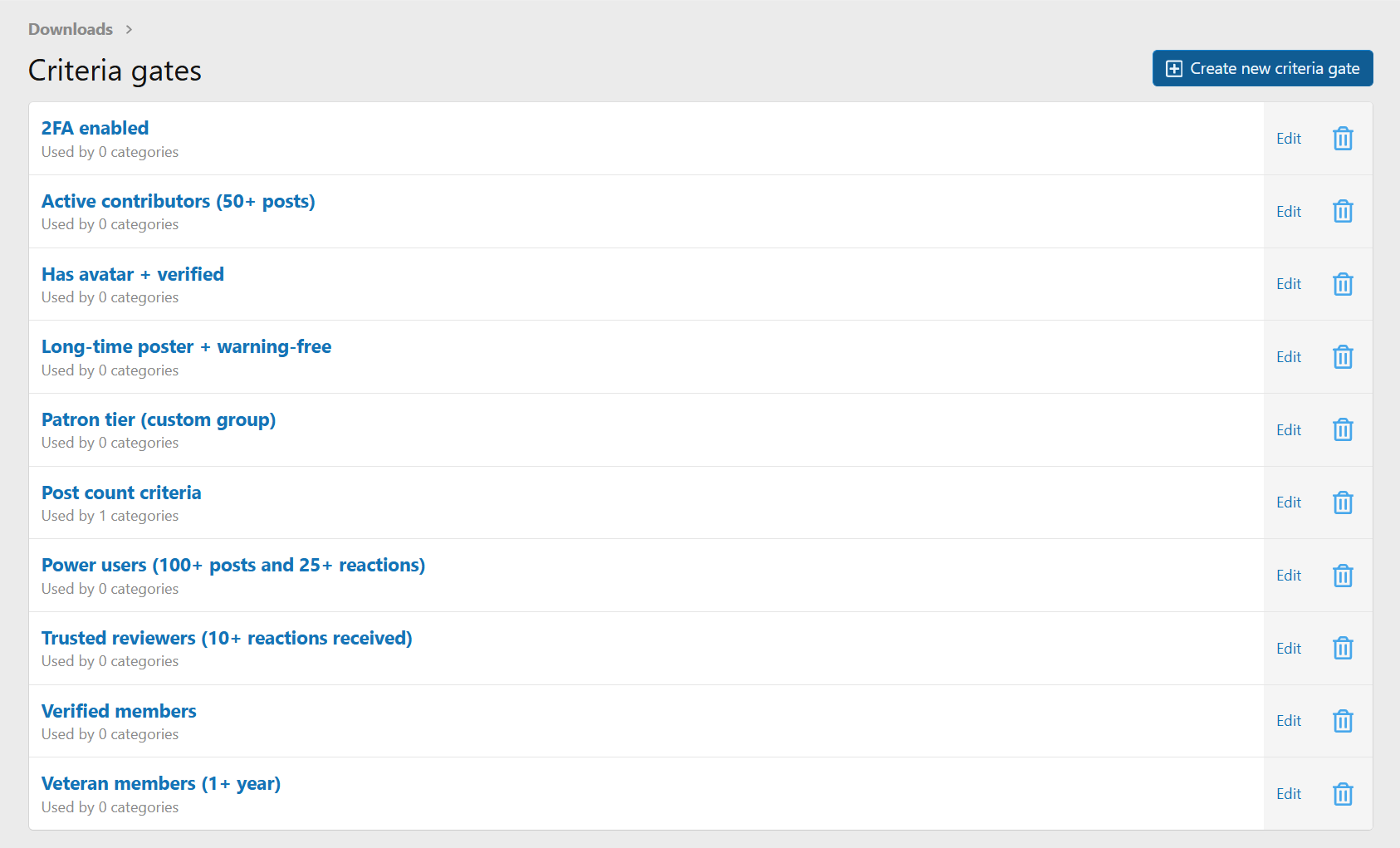
Criteria Gates
Beyond standard permissions, categories can be gated by user criteria: minimum post count, trophy points, account age, secondary user groups, custom user fields, and any other criterion XenForo exposes.
Teams and Co-Authors
Each download supports a co-author team with a clear five-flag vocabulary: edit, publish, manage files, manage team, and delete. The primary author keeps a crown beside their username so it's always obvious who owns the release. Team management lives right on the download edit page, so there's no AdminCP detour and no separate "teams" area to learn.
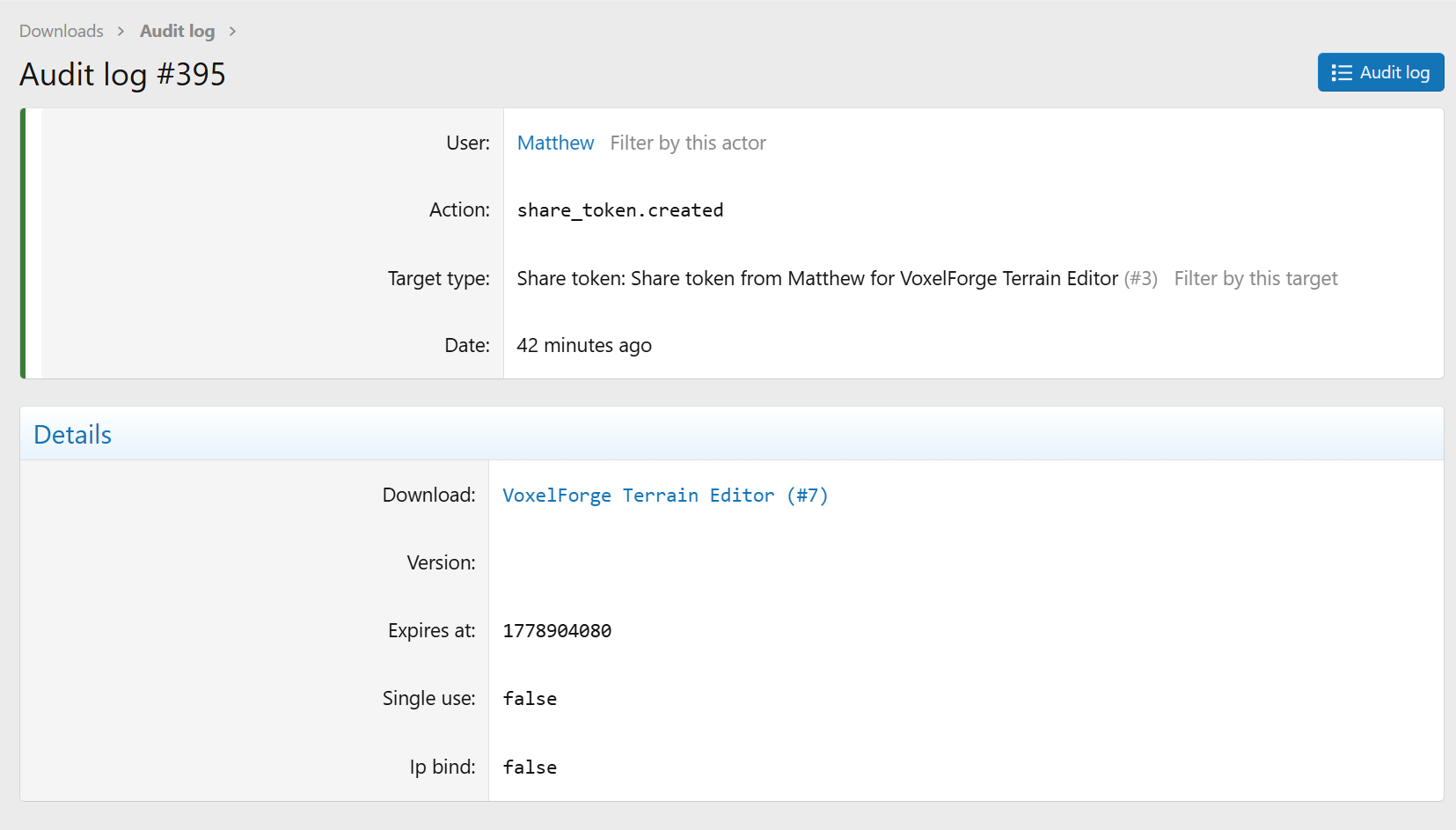
Share Tokens
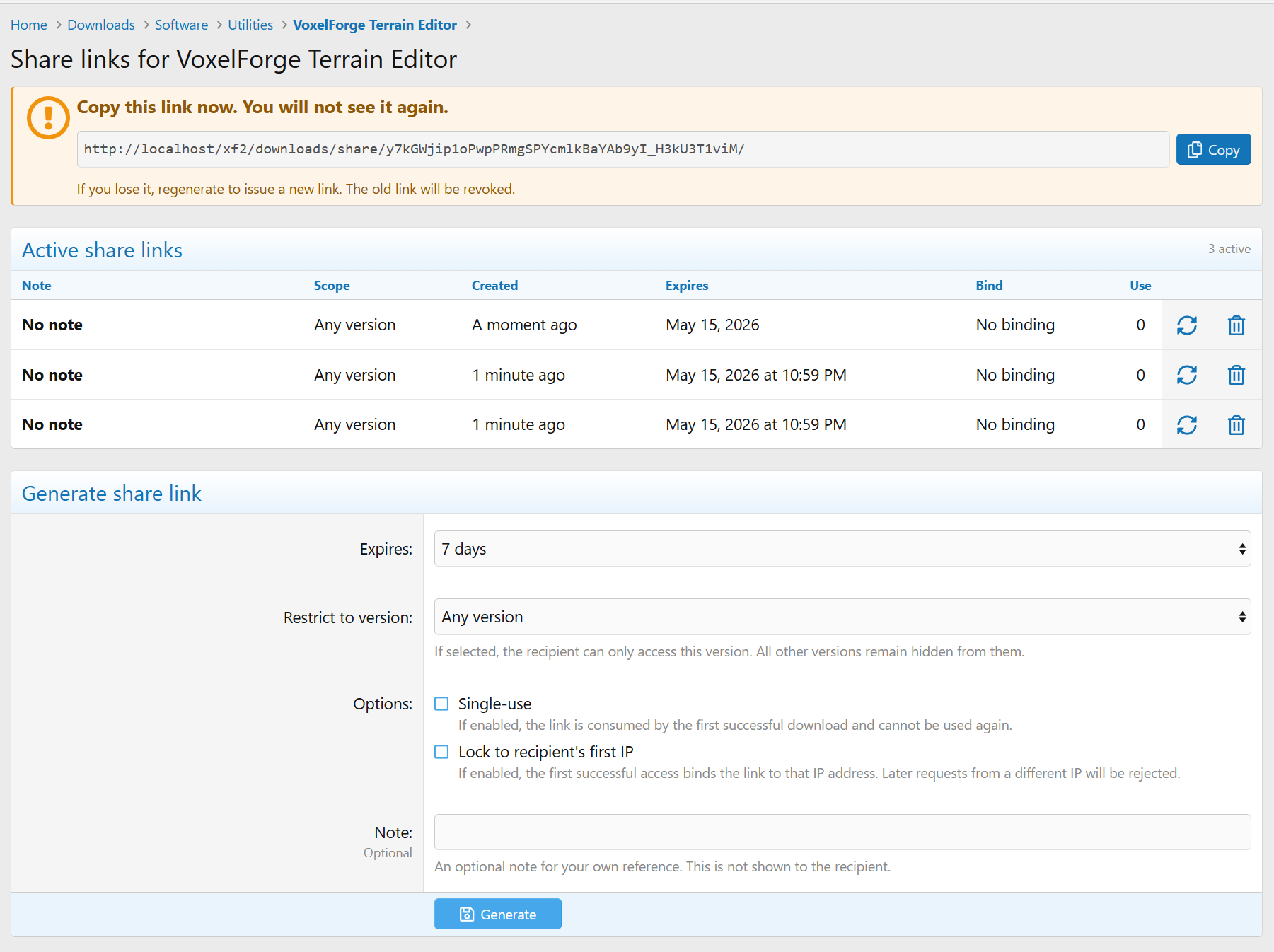
Need to share a download with someone who isn't in the right user group, without making the whole category public? Generate a share token: a single-use or time-limited link that unlocks one specific download or version, and nothing else.
Rate Limiting and Hotlink Protection
Stop abuse before it eats your bandwidth. Per-user and per-IP rate limits keep scrapers and runaway scripts from hammering your storage, with configurable windows and thresholds per category. Hotlink protection makes sure download URLs only work when redeemed from your own site. Links expire quickly and are tied to the visitor's session, so a leaked URL goes stale instead of going viral.
Moderation
Downloads, versions, and comments all flow through XenForo's approval queue, with visible, moderated, and deleted states. Per-category "require approval" toggles, a "bypass approval" permission, soft delete with 30-day recovery, and a cron-driven hard delete keep the queue tidy and reversible.
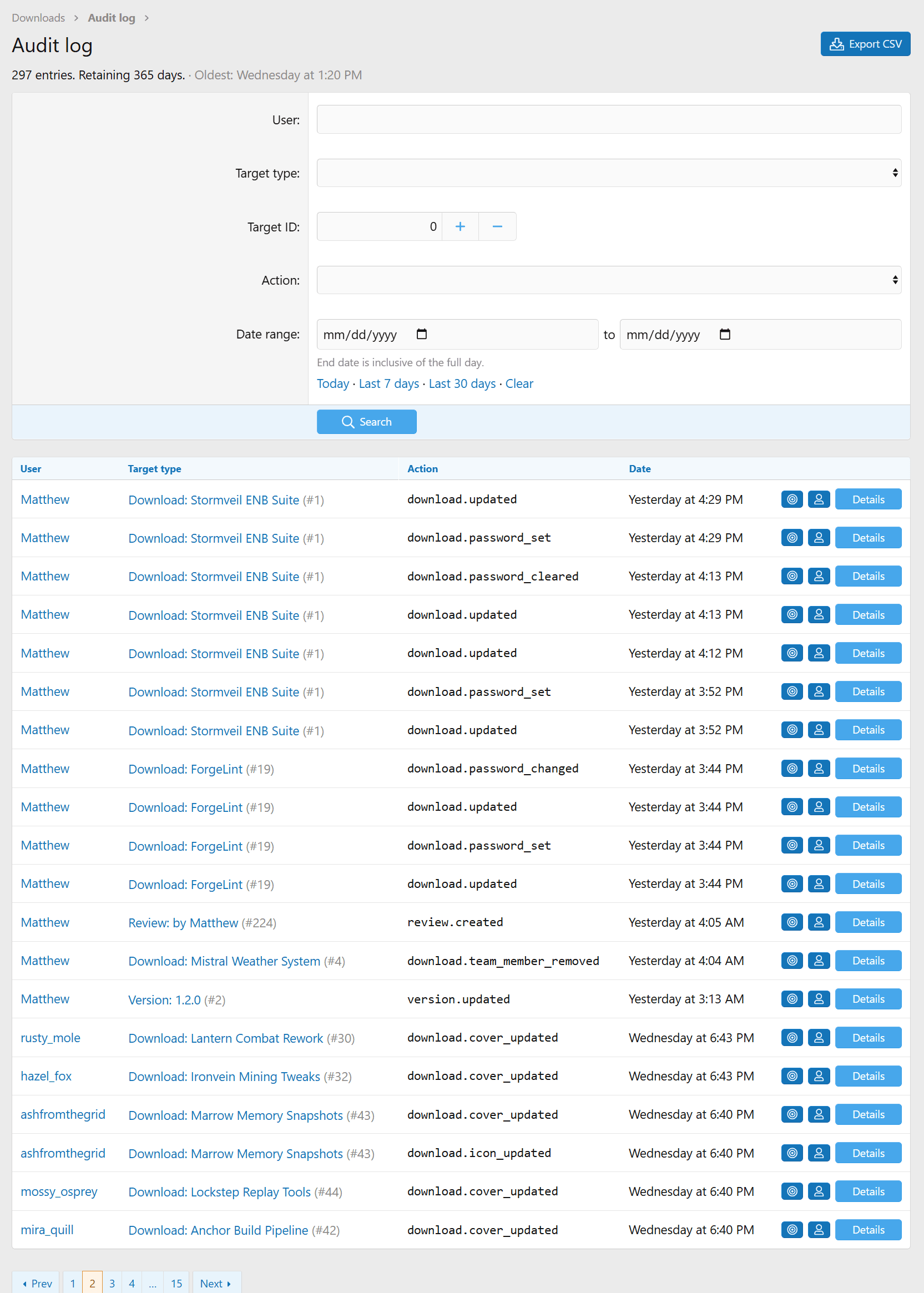
Audit Log
Every meaningful change (approvals, deletions, restores, team changes, permission edits) is recorded with the actor, the target, and a reason. The AdminCP audit log viewer lets you scroll the full history without digging through the Moderator Log.
Full XenForo 2 Integration






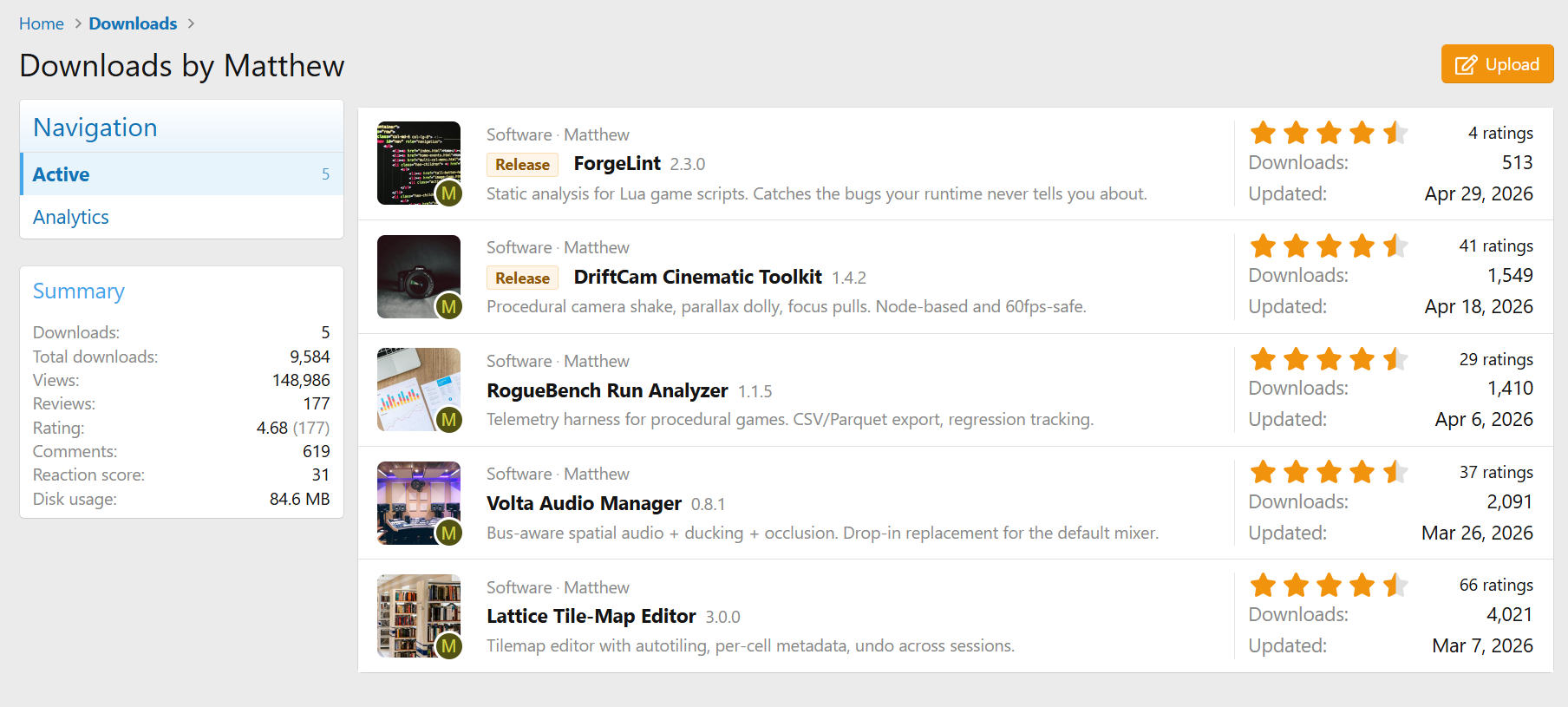


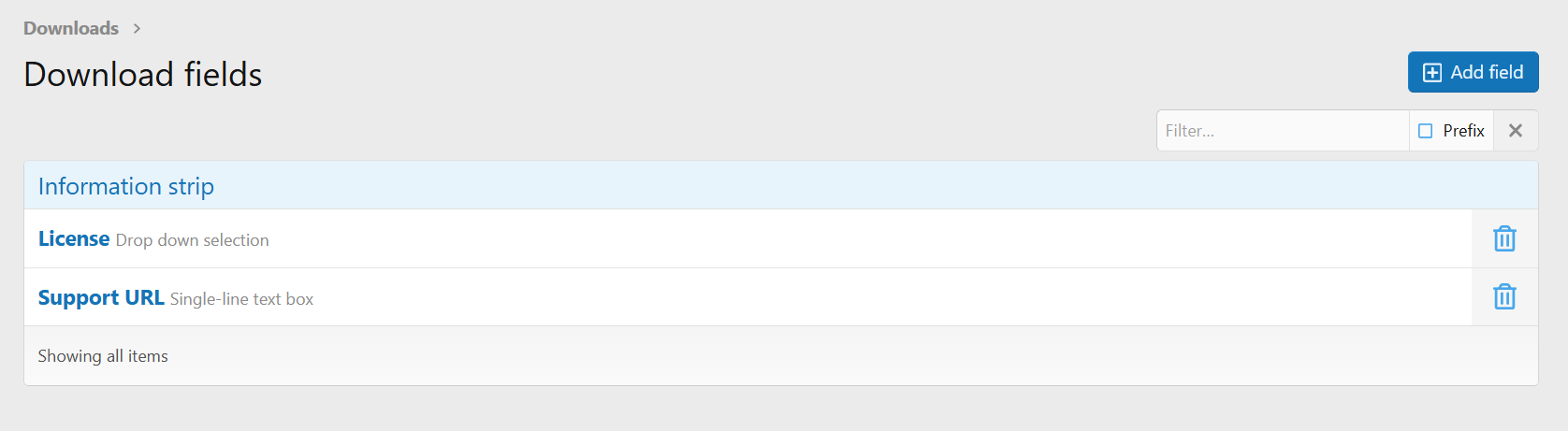





Your files can have prefixes, custom fields, categories, requirements, descriptions, and version changelogs. Custom fields let you show release-specific details (engine version, platform compatibility, asset count) instead of being stuck with the default inputs, and you can bind different fields to different categories so each submission form fits the kind of file being uploaded.
Multi-File Releases
You're not stuck with one file per release. Each version can bundle multiple files (installers, source archives, docs, asset packs) with their own labels, custom ordering, and separate download counts. The version page becomes a proper release manifest instead of a single download button.
External URL Uploads
Files don't have to live on your server. Each version can point to external URLs, which we check for size, MIME type, and reachability when you add them. Mix and match freely: host the primary installer yourself, link the Linux build to a GitHub release, and offer a torrent mirror, all on the same version.
Dependency Tracking
Releases know about each other. A download can declare that it depends on other downloads, and the version page lays out the full dependency chain so visitors see what else they'll need before clicking download. Authors get the reverse view too, so before you pull an old version you can see which downstream packages it would break.
Versioning
Versions are first-class objects with their own publish state, changelog, and file set. Drafts, submissions waiting on moderation, and published releases all live happily side by side on the same download. Work-in-progress versions stay out of the approval queue until you mark them ready.
Two Ways to Discuss
Every category can run inline native comments, an auto-created discussion thread, or both side by side. Turn either off later and the existing content stays intact. Threads support per-category author mode, lock-on-create, prefixes, stickies, and a configurable first-post template.
Reviews and Ratings
Members can leave star ratings and written reviews, with Recent Reviews and Top Rated widgets ready to drop on any page.
Granular Permissions
Categories, downloads, and comments all run on XenForo 2's permission system, so access control is as fine-grained as you need. Category permissions inherit down the tree, which means private categories can be locked to specific user groups while public ones stay wide open. User permissions and moderator permissions are split into separate groups, so you can hand out precise capabilities without giving anyone the keys to the whole site.
Criteria Gates
Beyond standard permissions, categories can be gated by user criteria: minimum post count, trophy points, account age, secondary user groups, custom user fields, and any other criterion XenForo exposes.
Teams and Co-Authors
Each download supports a co-author team with a clear five-flag vocabulary: edit, publish, manage files, manage team, and delete. The primary author keeps a crown beside their username so it's always obvious who owns the release. Team management lives right on the download edit page, so there's no AdminCP detour and no separate "teams" area to learn.
Share Tokens
Need to share a download with someone who isn't in the right user group, without making the whole category public? Generate a share token: a single-use or time-limited link that unlocks one specific download or version, and nothing else.
Rate Limiting and Hotlink Protection
Stop abuse before it eats your bandwidth. Per-user and per-IP rate limits keep scrapers and runaway scripts from hammering your storage, with configurable windows and thresholds per category. Hotlink protection makes sure download URLs only work when redeemed from your own site. Links expire quickly and are tied to the visitor's session, so a leaked URL goes stale instead of going viral.
Moderation
Downloads, versions, and comments all flow through XenForo's approval queue, with visible, moderated, and deleted states. Per-category "require approval" toggles, a "bypass approval" permission, soft delete with 30-day recovery, and a cron-driven hard delete keep the queue tidy and reversible.
Audit Log
Every meaningful change (approvals, deletions, restores, team changes, permission edits) is recorded with the actor, the target, and a reason. The AdminCP audit log viewer lets you scroll the full history without digging through the Moderator Log.
Full XenForo 2 Integration
- AdminCP Search
- Alerts
- Approval Queue
- Attachments (on comments)
- BB code ([mc-download=] tag)
- Bookmarks
- Change Log
- CLI commands
- Custom fields (downloads and versions)
- Embed Resolver
- Featured Content
- Find New content handler
- Inline Moderation
- Member Statistics
- Moderator Log
- News Feed
- Permissions
- Reactions (downloads, versions, reviews, comments)
- Search engine (with Elasticsearch support)
- Sitemap
- Spam check
- Webhooks
- Widgets