Downloads Manager - Extra information
- Seller MadeBy2D
- Creation date
First-class file distribution for XenForo.

-
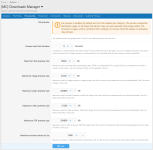 download_option_file_preview.png
 -
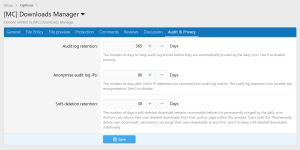 download_options_audit.png
 -
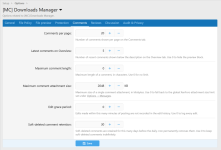 download_options_comments.png
 -
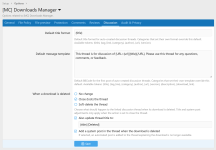 download_options_discussion.png
 -
 download_options_file_policy.png
 -
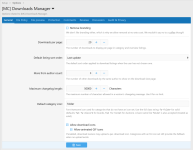 download_options_general.png
 -
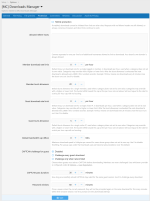 download_options_protection.png
 -
 download_options_reviews.png
 -
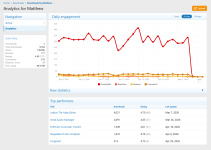 download_author_analytics.png
 -
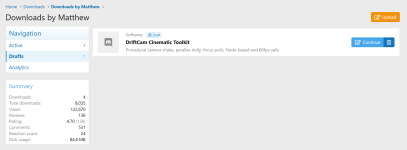 download_author_draft.png
 -
 download_author_scheduled.png
 -
 download_overview_category_grid.png
 -
 download_overview_grid.png
 -
 download_overview_index.png
 -
 download_view.png
 -
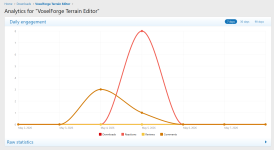 download_view_analytics.png
 -
 download_view_comments.png
 -
 download_view_dependencies.png
 -
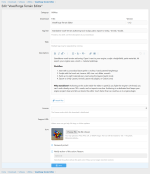 download_view_edit.png
 -
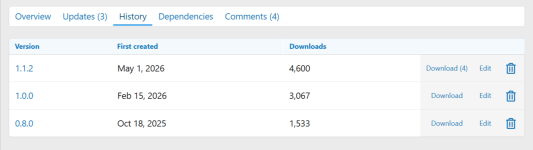 download_view_history.png
 -
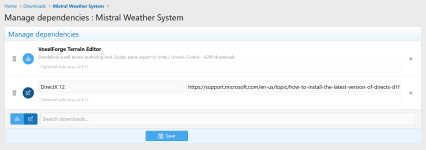 download_view_manage_dependencies.png
 -
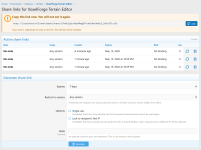 download_view_share_links.png
 -
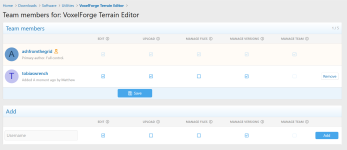 download_view_team_management.png
 -
 download_view_update_view.png
 -
 download_view_version_edit.png
 -
 downloads_author_view.png
 -
 password_protect.png
 -
 download_audit_log.png
 -
 download_audit_log_detail.png
 -
 download_category_edit.png
 -
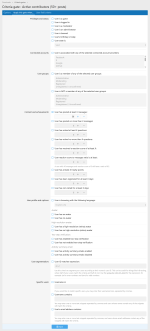 download_criteria_gate_edit.png
 -
 download_criteria_gates.png
 -
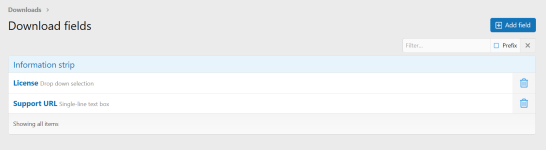 download_fields.png
 -
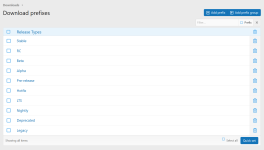 download_prefixes.png
 -
 downloads_batch_update.png
Overview Feature list Importers Releases (2) Discussion
Move your existing download library into [MC] Downloads Manager. Each importer is registered with XenForo's built-in import system, so you run a migration from the control panel under Tools, Import data, just like any other platform import.
Two sources are supported:
Requirements: XenForo 2.3.0 or newer and [MC] Downloads Manager 1.0.4 or newer. The XFRM importer also needs XenForo Resource Manager 2.3.0 or newer installed and active. The IC4 importer also needs access to the IC4 database, read access to the IC4 uploads folder, and a prior IC4 forum import.
We recommend running an import against a copy of your site before importing into production.
Two sources are supported:
- XenForo Resource Manager (2.3 or newer) on the same site. Resources, versions, files, custom fields, prefixes, reviews, watchers, tags, icons and discussion thread links are all carried across.
- Invision Community 4 Downloads from a separate installation. The importer connects to your IC4 database, reads files from the IC4 uploads folder, and uses the import log from a prior IC4 forum import to attribute downloads to the right XenForo members and link them to the right threads.
Requirements: XenForo 2.3.0 or newer and [MC] Downloads Manager 1.0.4 or newer. The XFRM importer also needs XenForo Resource Manager 2.3.0 or newer installed and active. The IC4 importer also needs access to the IC4 database, read access to the IC4 uploads folder, and a prior IC4 forum import.
We recommend running an import against a copy of your site before importing into production.
| Area | XFRM | IC4 |
| Categories (tree preserved) | ✓ | ✓ |
| Prefix groups and prefixes | ✓ | X |
| Custom fields | ✓ | ✓ |
| Custom field values | ✓ | ✓ |
| Downloads (state, author, counters, description) | ✓ | ✓ |
| Versions | ✓ | ✓ |
| Binary files | ✓ | ✓ |
| URL type files | X | ✓ |
| Resource icons | ✓ | X |
| Screenshots (appended to description as attachments) | X | ✓ |
| Description and changelog attachments | ✓ | X |
| Reviews | ✓ | ✓ |
| Watchers / follows | ✓ | ✓ |
| Tags | ✓ | ✓ |
| Discussion thread linking | ✓ | ✓ (via forum-import log) |